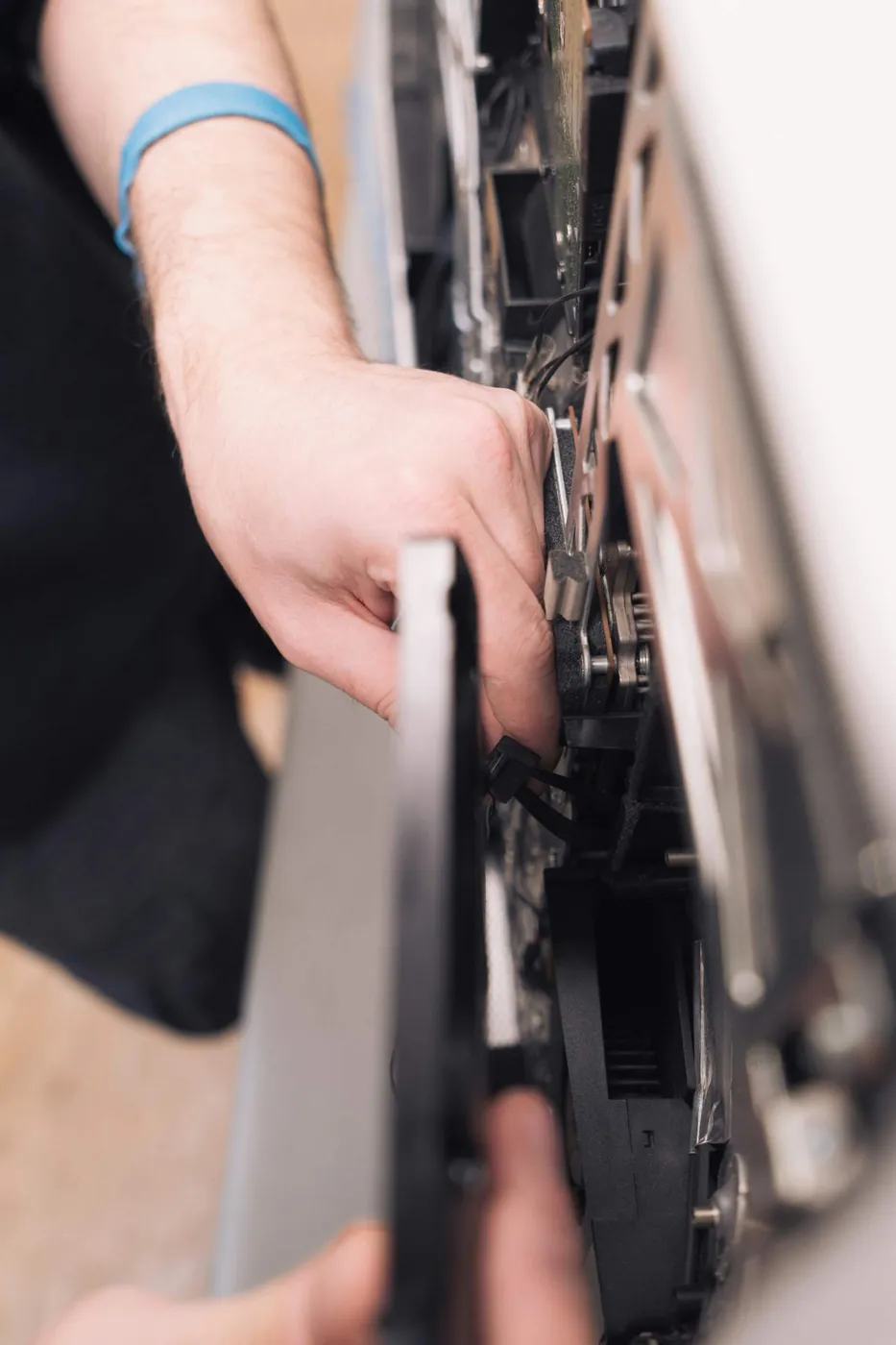
Quick answer: A dead or flashing oven control panel usually has a tripped breaker, a lockout setting, a failed control board or touchpad, a bad relay or damaged wiring. Heat and moisture can also damage a board.
Safety note: do not open the control panel. It has live wiring. Call a technician for any repair behind the panel.
Common Causes
- No power. A tripped breaker or a power surge can leave the display blank. Electric ranges need a high-voltage circuit, so a half-tripped breaker can cause odd behavior.
- Lockout or control lock. Many ovens have a lock that stops the buttons. It is easy to turn on by mistake.
- Failed control board. The board runs the display and the heat. A failed board can cause a blank screen, a flashing code or random behavior.
- Damaged touchpad. Wear, moisture or a cleaning spray can damage the buttons so they do not respond.
- Bad relay. Relays switch the heating parts. A bad relay can stop the heat even if the display works.
- Loose or burned wiring. Heat can damage the wiring that joins the panel to the oven.
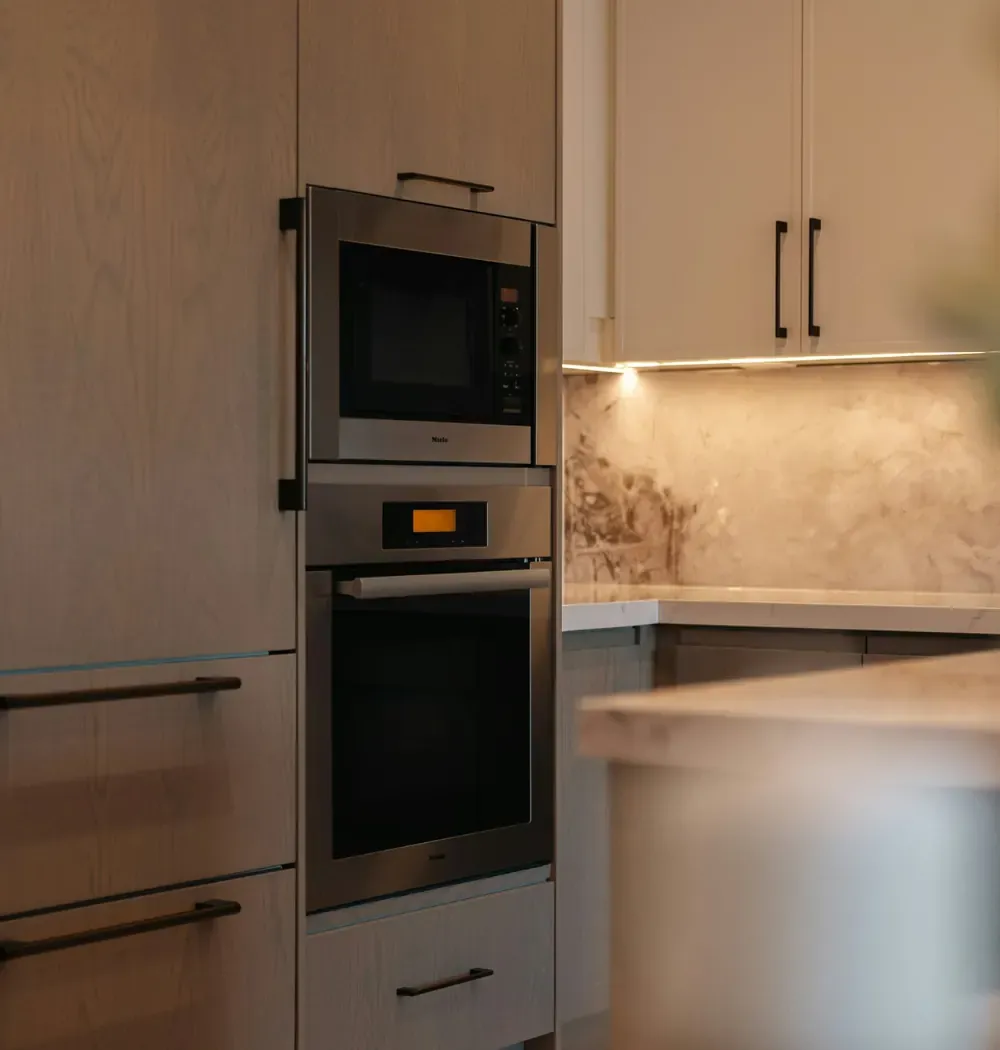
What You Can Safely Check
- Check the breaker. Turn it fully off, wait a minute, and turn it on.
- Look for a lock symbol on the display. Check your manual for how to turn the lock off, such as holding a key for three seconds.
- Wipe the panel with a soft damp cloth and no spray.
- Write down any error code on the display. It helps the technician.
Still not fixed? Call us.
Tell us the brand and what you see, and we will help you get it fixed.
What a Technician Does
A technician checks the power, the lock setting, the wiring, the relays and the board, then replaces the failed part and tests the oven.
Repair or Replace?
A relay or touchpad is a reasonable repair. A failed board on an older oven can be costly, so weigh repair against replacement.
Written by the Appliance Repair Oakton VA team. This guide is general information. If you are not sure, call a technician. We repair all major appliance brands across Oakton and nearby service areas. Contact us any time.